
Zuul Criteria Section
Redesigning the targeting engine of an internal Website Management system.
Zuul decides which users see which offers across every brand the company runs. Its Criteria section — the control room for all that targeting — had been built by engineers, for the system, not the people living in it. I redesigned it around its real users and handed it to engineering already mapped to their component library, ready to build.
Timeline
2 Months
Focus
Web CMS
Role
UX Designer
Team
1 Designer
2 Product Managers
10 Engineers
6 Power Users
Tools
Figma
Figma Make
Claude
ChatGPT

The Problem
A highly powerful Website management Tool, yet tedious and confusing to use.
Zuul Criteria had grown into a long, hard-to-scan rule editor. Users could technically configure offers, but they had to hunt across disconnected fields, compare long lists manually, and reread settings before feeling safe enough to save.


Research
I learned everything from the people who live in Criteria every day.
Before designing anything, I ran interviews with four power users and had each one share their screen and set up real targeting while narrating their pain points. I recorded every session and used ChatGPT to analyze the transcripts — pulling out and quoting pain points tied to exact moments in their workflow, so the redesign was driven by evidence, not assumption.
3
Site Anylists
3
Account Managers
15
Total Interview


using AI to analyze the interviews
By analyzing my notes in addition to all the interviews transcripts with ChatGPT, I was quickly able to identify pain points backed by evidence.
a few things stood out
Findability
Key settings were buried across a long page, making it difficult to locate the right rule quickly.
Scannability
Labels, controls, and values competed for attention, forcing users to parse every line instead of scanning sections.
Long List Management
Large include and exclude lists were difficult to review, edit, and compare without making mistakes.
Confidence Before Saving
Users lacked a clear review moment, so saving changes felt dependent on memory and manual double-checking.
ideation
From paper to a clickable prototype. Expedited with aI.
I sketched on paper, moved the strongest ideas into Figma, then used Figma Make to turn static wireframes into a fully interactive prototype instantly — no manual arrow-dragging. That let me put a real, clickable build in front of the same four users and watch how they actually used it, then iterate across two rounds of feedback.


RTTCF + PRISM. an intentional prompting framework
Instead of short one-line prompts that turn into a back-and-forth battle, I framed every Figma Make prompt with five parts, fixing multiple issues in a single pass and using far fewer tokens.
Traditional Prompt
Move the collapse chevron icon to the right side of the frame. Get rid of the per-item settings icon and replace it with one of those "arrow-up-right-from-square" icons to the right of all the group names in settings. That way the user can navigate to the group setting instead of the individual setting
RTTCF/PRISM Prompt
Review:
The current Zuul Criteria UI is a dark admin tool (#161b22 background, #21262d surfaces,
#30363d borders). Tab navigation sits at the top with a blue (#0d6efd) icon, active tab
in white (#c9d1d9), inactive tabs in muted grey (#8b949e). The main content area contains
labeled groups of criteria rows — full-width cards (8px radius, #21262d fill, #30363d
stroke) with criteria labels and blue/grey circular toggle controls on the right. The
Summary page lists active settings organized by group name headings, with individual
item rows beneath each group. Criteria item chips contain a text label and a small "×"
dismiss icon.
Iterate:
Three targeted changes:
Collapse chevron — Move the chevron toggle to the RIGHT side of each group header
row, far-right aligned. Right-pointing (▶) when collapsed, downward (▼) when expanded.Summary page group headers — Remove any per-item settings icons from individual
summary rows. Instead, place an "arrow-up-right-from-square" navigation icon to the
right of each group name heading on the Summary page. Clicking it navigates the user
to that group's criteria tab/page directly."×" in item chips — Scale the × dismiss icon to match the cap-height of the chip
label text (14–16px). Use a proper ✕ glyph with equal padding on both sides of it.
Specify:
Chevron: 16px from right edge of group header, #6e7681 at rest, #c9d1d9 on hover
Group header row: 40px tall, transparent background, 1px #30363d bottom separator
Navigate icon: arrow-up-right-from-square, 16px, 8px gap right of group label,
#6e7681 at rest, #0d6efd on hover. No action icons on individual item rows.✕ in chips: cap-height match to label, balanced left/right padding, proper glyph
not a superscript character
Maintain:
Do not change tab navigation, page layout, or header structure
Keep all color tokens: #161b22, #21262d, #30363d, #0d6efd, #c9d1d9, #8b949e, #6e7681
Preserve all criteria row styles, toggle controls, and segmented control patterns
Do not alter any component not directly referenced above
Keep all layer naming conventions and auto layout settings intact
development handoff
handing off designs already mapped to engineering's components.
I walked the 10+ engineers of the Zuul Engineering Team (ZET) through the prototype to explain what changed and why. Their key ask: build it on Bootstrap, the library Zuul already runs on. So I loaded Bootstrap into Claude Design alongside my Figma Make designs and regenerated the work on top of it — turning the handoff from a translation problem into a one-to-one map between design and code.
original designs

bootstrap library mapped
with Claude Design

Final Wireframes
Five components that did the heavy lifting.
These five components carried the biggest behavioral wins.


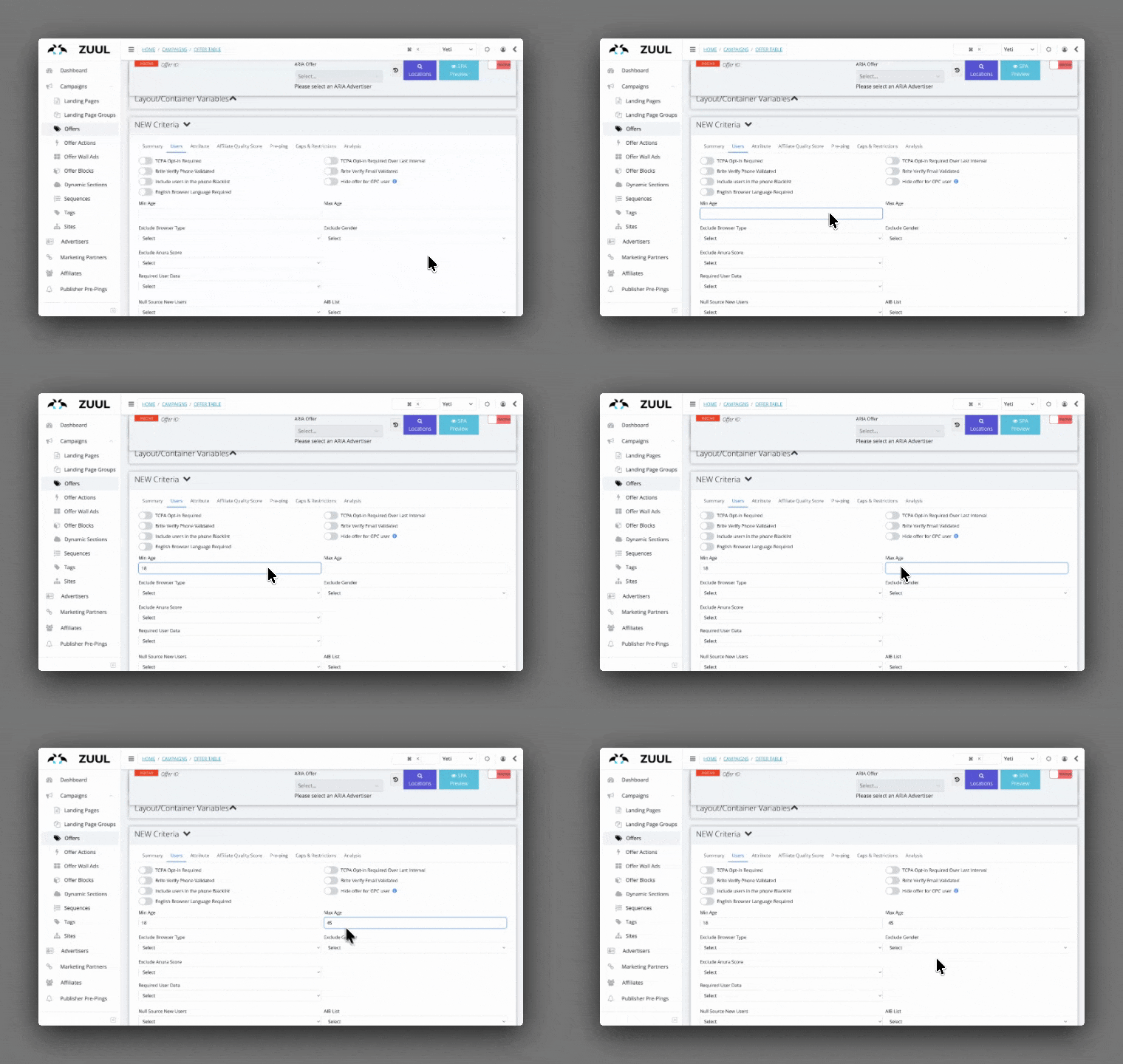
Dark Mode
Designed for the night owls.

Zuul Logo Redesign
And I also redesigned the logo…
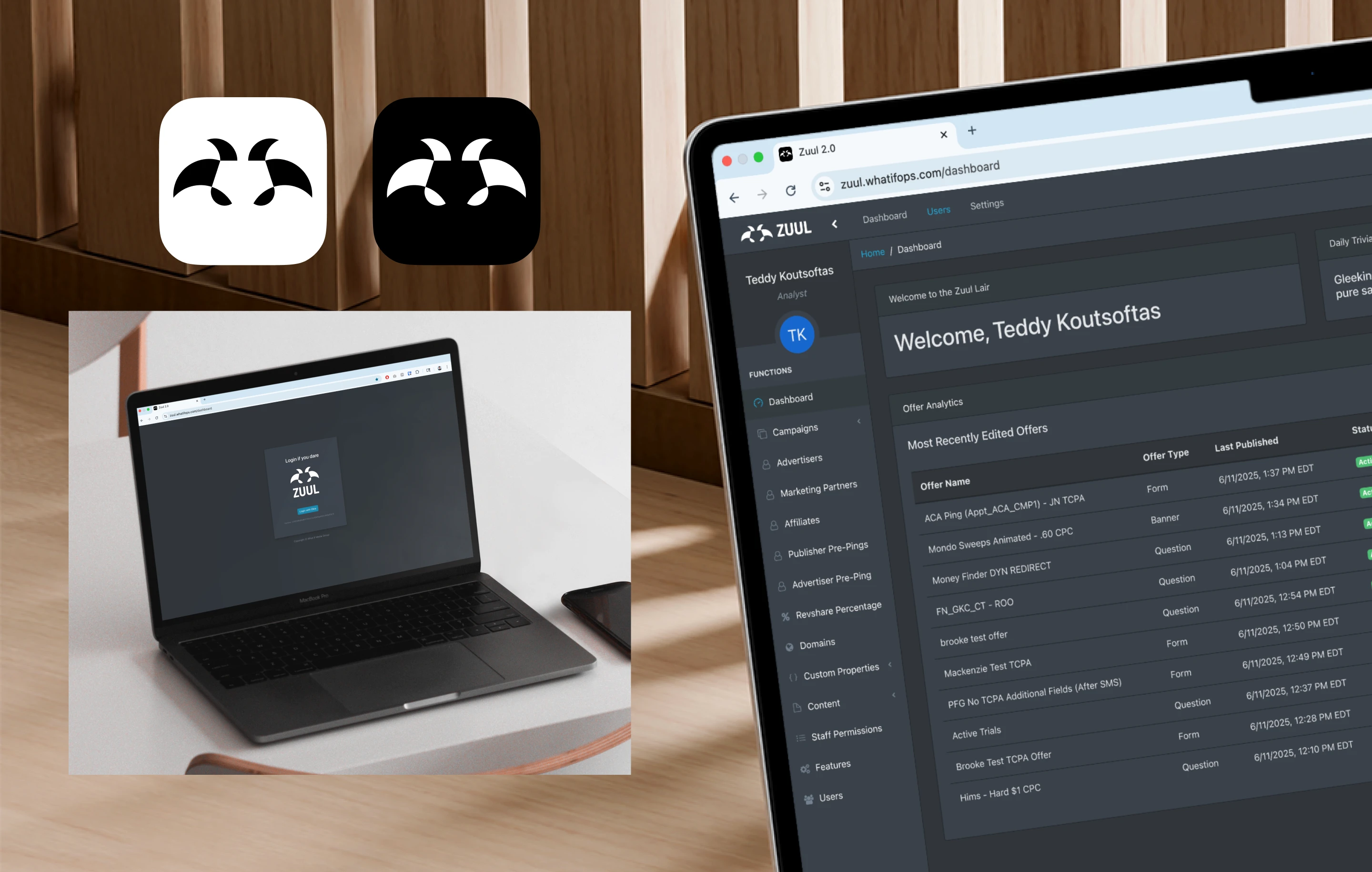

Old Logo
Final Thoughts
Designing close to the people who use it and the people who build it.
The biggest lesson was that a handoff is part of the design. Getting ZET's feedback before finalizing — and rebuilding on their component library — meant the redesign wasn't just usable, it was buildable. Pairing direct user observation with AI for analysis, prototyping, and handoff kept me close to both sides of the screen the whole way through.